

App Document — every page in NChartPro explained part by part: what, why, when, where and how to.
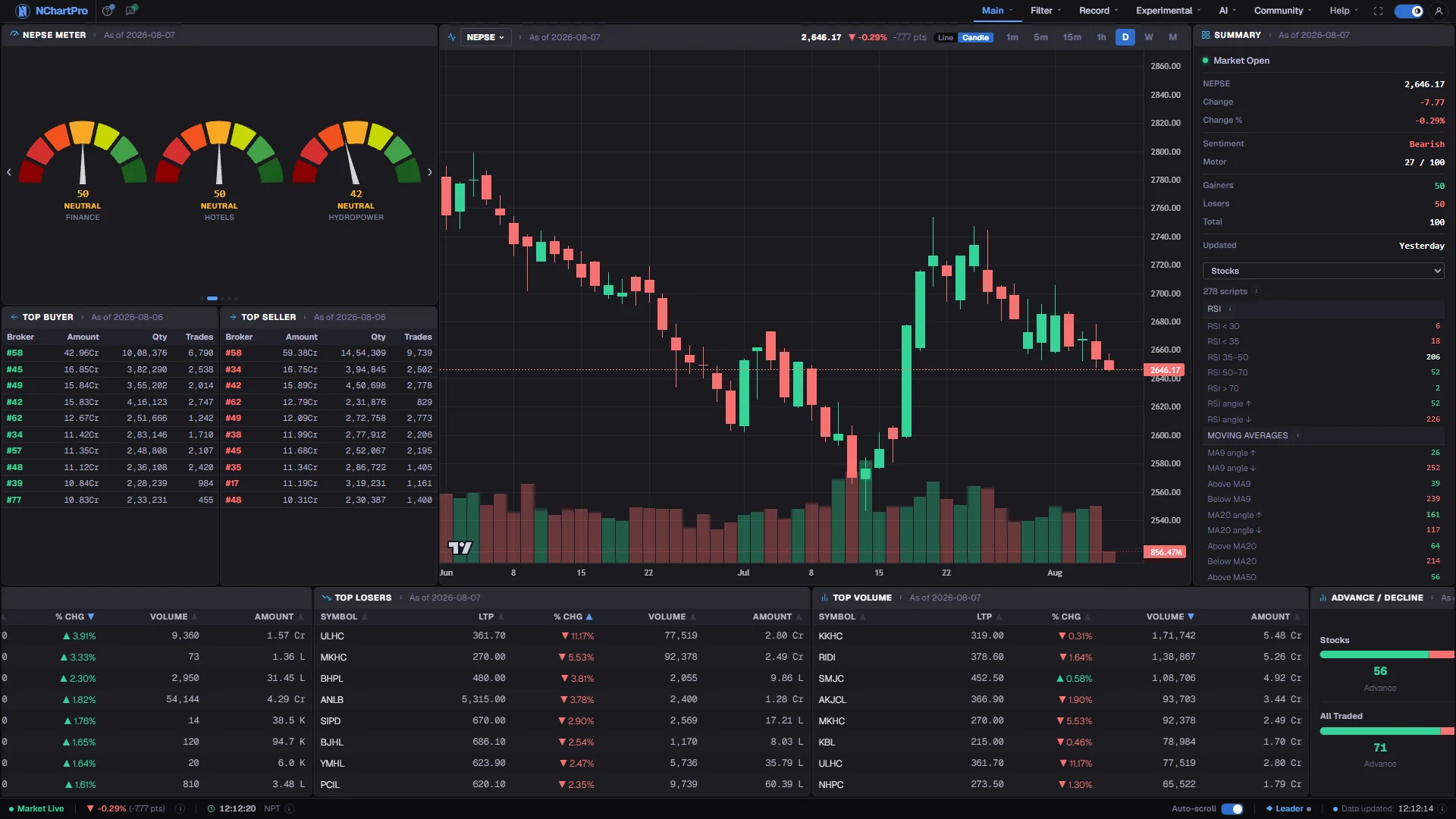
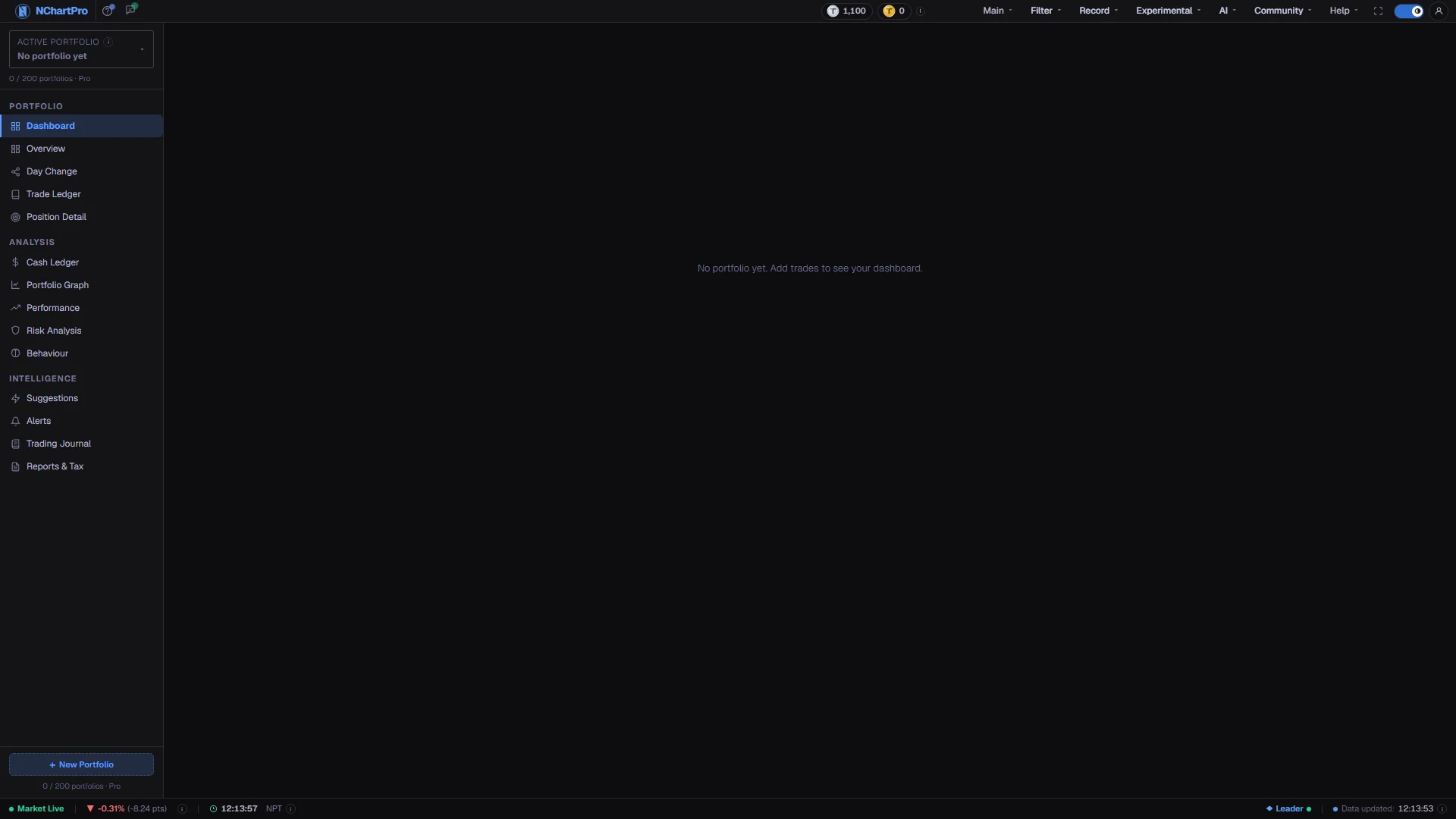
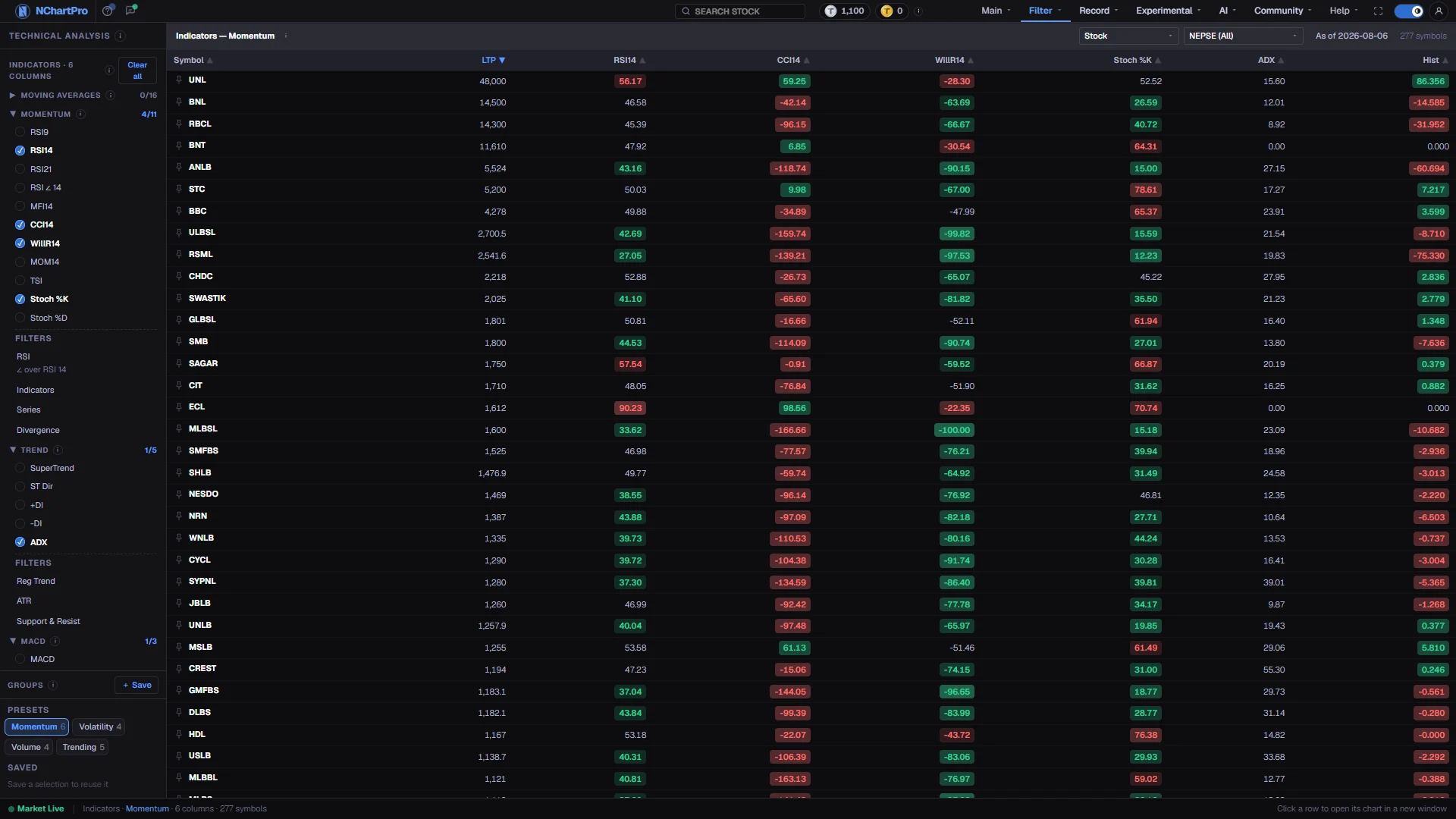
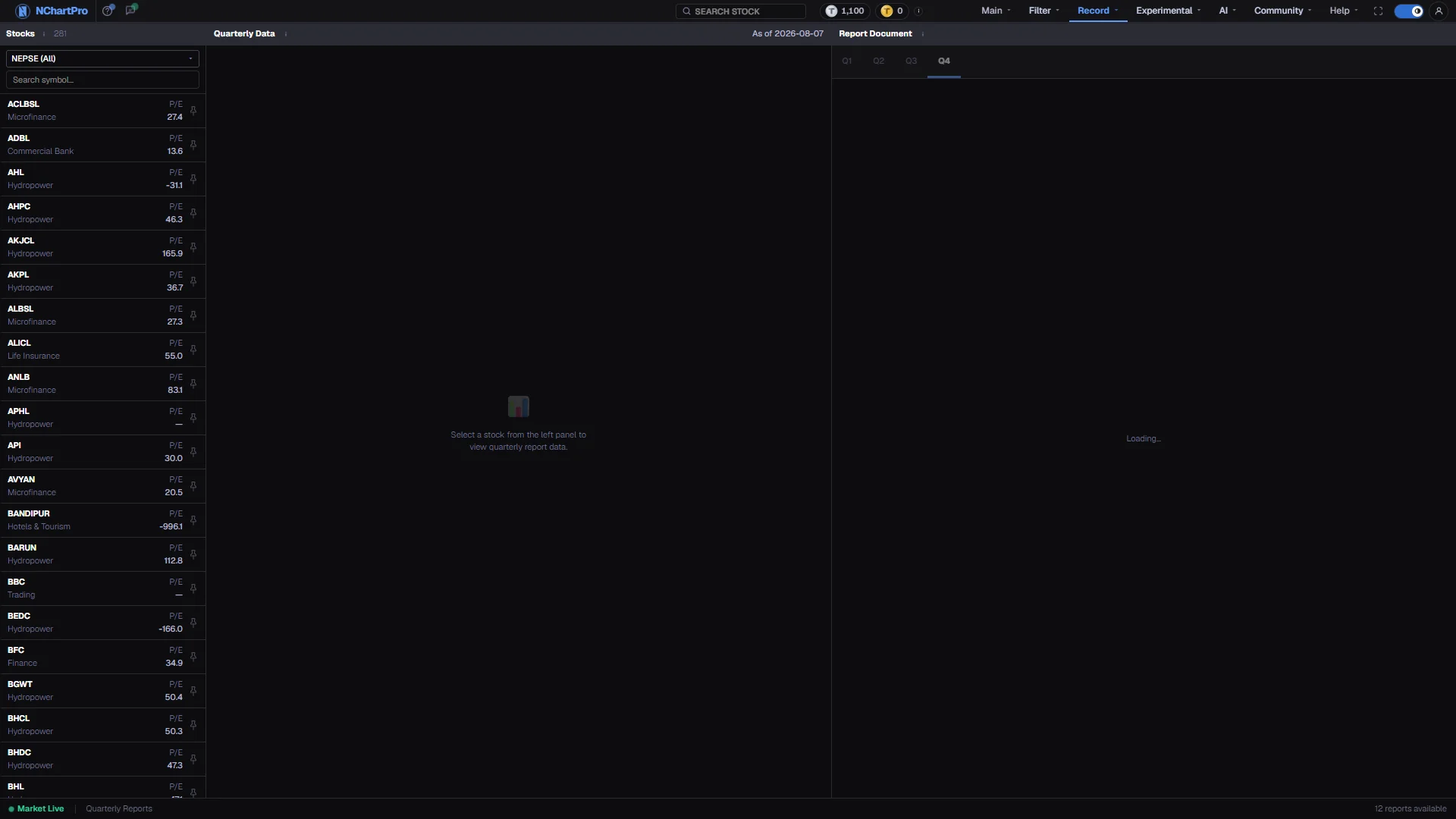
One page here for one page in the app. Each shows you the real screen with every part numbered, then a close-up of every part beside the words describing it, what it means for a trader and for an investor, and a short walkthrough you can follow right now.
How to read a page here
Every page in this document follows the same five questions, in the same order, so you always know where to look for the answer you want.
A capture of the live page in your theme. Hover a number to light up that part of the screen and read what it is.
What the page actually is, then two separate answers — one if you trade over days, one if you hold for years.
The point in the session or the situation that calls for it, and the exact menu path to reach it.
Three to six steps to try now. This is the tutorial — there is no separate one to go and find.
Every element on the screen, each with a close-up of the real thing beside it: what it is, how to use it, and what you can read off it.
Where a number can mislead, what is not built yet, and the questions people actually ask.
Sections
Still stuck?
Every heading, card and table in the app carries an ⓘ icon that explains that one item, including how its number is worked out. On any page with a guided tour, the ? button in the top bar walks you through the screen itself, in English or नेपाली.
If none of that answers it, the chat bubble in the top bar reaches support, and Comment / Suggestion writes straight to the people who build this.