

Overview
Where the Dashboard summarises, this page lists: seven totals, three views of how your money is spread, and every stock you own in one wide table.
What this page is
Overview is the full inventory of a single portfolio. The seven tiles at the top state what you put in and what it is worth now. Three cards underneath cut the same money three ways — by sector, by individual stock, and by how long you have held it. The table at the bottom is the complete list, eleven columns wide.
It is the page to open when you want detail rather than a headline. The holdings table carries columns the Dashboard has no room for: non-active quantity, weight, days held and settlement status, plus filters for winners, losers, short-held and long-held.
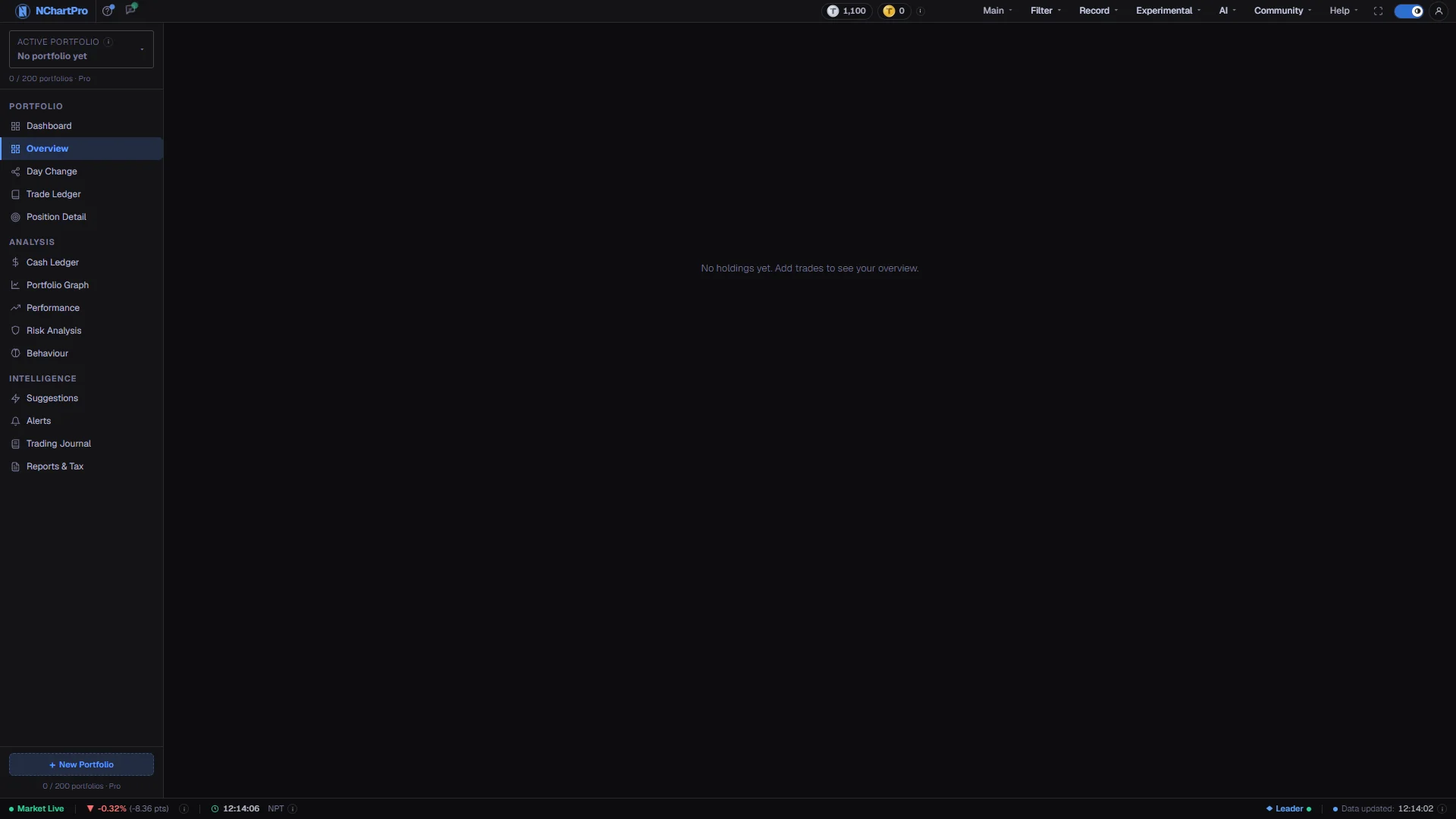
Everything is priced live, so during trading hours the numbers move on their own. The page reads "No holdings yet. Add trades to see your overview." until trades exist in the Trade Ledger.
Why it helps you
- The winners and losers filters split the book in one click. That is the fastest way to check whether you are running your gains and cutting your losses, or quietly doing the reverse.
- Weight % is your position-sizing record. Anything much above 20% in one stock means a single company now decides your month, whether or not you meant it that way.
- Non-Active quantity is a hard constraint on today's plan. Shares still inside the T+2 window are not sellable, so a stop you intend to honour may not be executable yet.
- Because Total Return here counts only what you still hold, it will not flatter you with profits you already banked. Read it as the health of your open book.
- By Holding Period is a tax calendar in disguise. A position a few weeks short of 365 days is worth waiting out — the rate on the gain falls from 10% to 7.5% simply for holding.
- By Sector answers whether the portfolio still matches your intention. Long holds drift; the industry that ran hardest quietly becomes your largest bet.
- The treemap makes over-concentration visible without arithmetic. One dominant box in a portfolio you meant to diversify is the argument for trimming.
- Total Invested versus Current Value across years is your compounding record, and Days Held tells you which convictions have actually been given time to work.
When to use it, and where to find it
- Monthly, as the portfolio review — allocation drifts slowly and only shows up when you look at it as a whole.
- Before you add to an existing holding, to see what weight it already carries.
- When you are deciding what to sell and tax matters: check Days Held before you place the order, not after.
- After a large move in one sector, to see how much of your portfolio actually rode it.
Try it — a short walkthrough
- 1Pick the portfolioUse the buttons across the top of the page to switch between the portfolios you own. The highlighted one is what everything below is showing.See this part in detail →
- 2Read the first three tiles as one sentenceTotal Invested, Current Value and Unrealized G/L are the same story told three ways: what you paid, what it is worth, and the gap between them.See this part in detail →
- 3Check what is actually sellableLook at the Non-Active (T+2) tile before planning a sale. If it is amber, part of your quantity has not settled and cannot be sold today.See this part in detail →
- 4Find your biggest betCompare the longest bar in By Sector with the largest box in the treemap. If they point at the same holding, that one company is carrying two kinds of concentration at once.See this part in detail →
- 5Sort the table by what you want to knowUse the filter buttons in the holdings header — all, winners, losers, short, long — then click any row to open that stock's Position Detail page.See this part in detail →
Every part of the page
In the order you meet them on screen, each with a close-up of the real thing. The numbers match the dots on the figure above.
The portfolio buttons
One button per portfolio you own; the highlighted one is what the page is showing. Each portfolio keeps its own trades, cash and profit entirely separately.
How — Click a name to switch. Two buttons here are honest exceptions: "Consolidated View" is INTENDED to merge all your portfolios into one picture but currently only highlights itself — it does not combine anything yet. "+ New Portfolio" here does nothing; create portfolios from the box in the left sidebar instead.
- Portfolios are private to your account — nobody else can see them.
The seven summary tiles
Total Invested, Current Value, Unrealized G/L, Realized Gain, Total Return, Positions and Non-Active (T+2). Every tile has an ⓘ with its exact formula.
How — Read Total Invested against Current Value first — the difference between them IS your Unrealized G/L, so the first three tiles are one story told three ways.
- Total Invested = Σ (quantity still held × average buy price). Commission, SEBON fee and DP charge are NOT rolled into it, and bonus shares enter at price 0 so they lower it.
- Current Value = Σ (quantity held × live price), or the latest daily close for a stock that has not traded today.
- Total Return here = Unrealized G/L ÷ Total Invested × 100. It covers only shares you STILL HOLD; already-banked profit sits separately in the Realized Gain tile and is not added in.
Non-Active (T+2) — shares you cannot sell yet
Shares you have bought but cannot sell, because they are still inside NEPSE's settlement window. The number in the tile is the total quantity across all your holdings.
How — Check this tile before you plan a sale. If it is amber, part of your quantity is not actually available today.
- NEPSE settles a trade T+2: the shares only reach your demat account two TRADING days after the buy. Weekends and holidays are skipped.
- It counts the quantity of every buy lot that has not completed those trading days yet, capped at the quantity you still hold.
- The holdings table below breaks the same figure down per stock.
By Sector
How your money is split across NEPSE sectors — Banking, Hydropower, Life Insurance and so on. If one bar is very long, your portfolio rises and falls with that one industry.
How — Compare the longest bar here with the Sector Herfindahl Index on the Risk Analysis page, which puts a single number on the same idea.
- Each holding's current market value (qty × live price) is added into its sector; the bar is that sector's share of your total holdings value.
- A stock with no sector on record is grouped as "Other".
By Stock (Treemap)
One box per stock, sized by how much of your portfolio it represents. A single huge box is a warning sign of over-concentration in one company.
How — Hover a box to see that holding's value in rupees.
- Box size and the % inside it = that stock's current market value ÷ total holdings value.
- The colours are only there to tell the boxes apart — they do NOT mean profit or loss.
By Holding Period
Splits your holdings into short-term and long-term, because how long you have owned a stock decides the capital-gains tax you pay when you sell it.
How — Read the line at the bottom of the card: it counts how many of your positions already qualify for the lower rate.
- Short-term = held 365 days or less → capital-gains tax of 10% on the gain when you sell.
- Long-term = held more than 365 days → 7.5% on the gain.
- Holding days are counted from your FIRST buy of that stock, and the value shown is the current market value in each bucket.
- CGT is charged only on a profit, never on a loss, and is deducted at source by your broker.
The full Holdings table
Every stock you own with eleven columns: symbol, sector, quantity, non-active quantity, average cost, live price, value, unrealized gain, weight, days held and settlement status.
How — Use the filter buttons in the header — all, winners, losers, short, long. Click any row to open that stock's Position Detail page. Honest note: the "Export CSV" button beside those filters has no handler yet and does nothing.
- Weight % is this holding's share of your total portfolio value; above roughly 20% in one stock is usually considered concentrated.
- Days Held counts from your first buy of that stock; over 365 days is shown green because it qualifies for 7.5% capital-gains tax instead of 10%.
- Filters mean: winners = gain above zero, losers = below zero, short = held ≤365 days, long = over 365 days.
Portfolio Notes — saved for each portfolio
A free-text box for why you built this portfolio the way you did: your plan, your targets, your rules for exiting.
How — Type your note. It saves by itself when you stop typing, or press Save. The line under the box says "Saved" with the time once it is stored in your account.
- Each portfolio has its own note — switch portfolio at the top to see its note.
- Up to 5,000 characters. Only you can see it.
- Nothing typed here affects any number on the page either way.
Reading the numbers
- Total Invested is Σ (quantity still held × average buy price). Fees are not included, and bonus shares enter at price 0, which lowers it.
- Current Value is Σ (quantity held × live price), falling back to the latest daily close for a stock that has not traded today.
- Total Return on this page is Unrealized G/L ÷ Total Invested × 100. It deliberately covers only shares you still hold; profit already banked sits separately in the Realized Gain tile and is not added in.
- Weight % is a holding's current value as a share of your total portfolio value. Days Held counts from your first buy of that stock, so a later top-up does not reset it.
- Short-term is 365 days or less and carries 10% capital-gains tax on a profit; long-term is beyond 365 days and carries 7.5%. Tax applies to gains only and is deducted at source by your broker.
- Non-Active counts the quantity of every buy lot that has not yet cleared NEPSE's two trading-day settlement, capped at the quantity you still hold. Weekends and holidays do not count as trading days.
What it does not do
- The Consolidated View button is not built. It highlights itself but does not merge your portfolios — the page always shows exactly one.
- The New Portfolio button on this page has no handler. Create portfolios from the box in the left sidebar, where your plan limit is also shown.
- Export CSV in the holdings header does nothing yet.
- Portfolio Notes holds one note per portfolio, up to 5,000 characters. It is plain text only; for dated notes about single trades, use the Trading Journal.
- The list reflects what you recorded, nothing more. A bonus issue you never entered will leave your quantity and your average cost both wrong, and no warning appears.
Questions people ask
Total Return here measures only what you still hold. Gains from stocks you already sold are in the Realized Gain tile and are excluded on purpose, so the percentage describes your open positions rather than your year.
A bonus entry does that. Bonus shares increase quantity at a cost of zero, so the weighted average buy price falls. That is correct, and it is also why the resulting gain looks larger than the cash you put in.
The bars are shares of your total value, not returns. A small holding can rise a lot without changing how your money is distributed.
Not yet. Consolidated View is a placeholder, so read each portfolio separately for now.