

Name Change
Symbols do not last forever. Companies rebrand, merge, or upgrade their licence class, and the old code stops working — including in your own notes and charts.
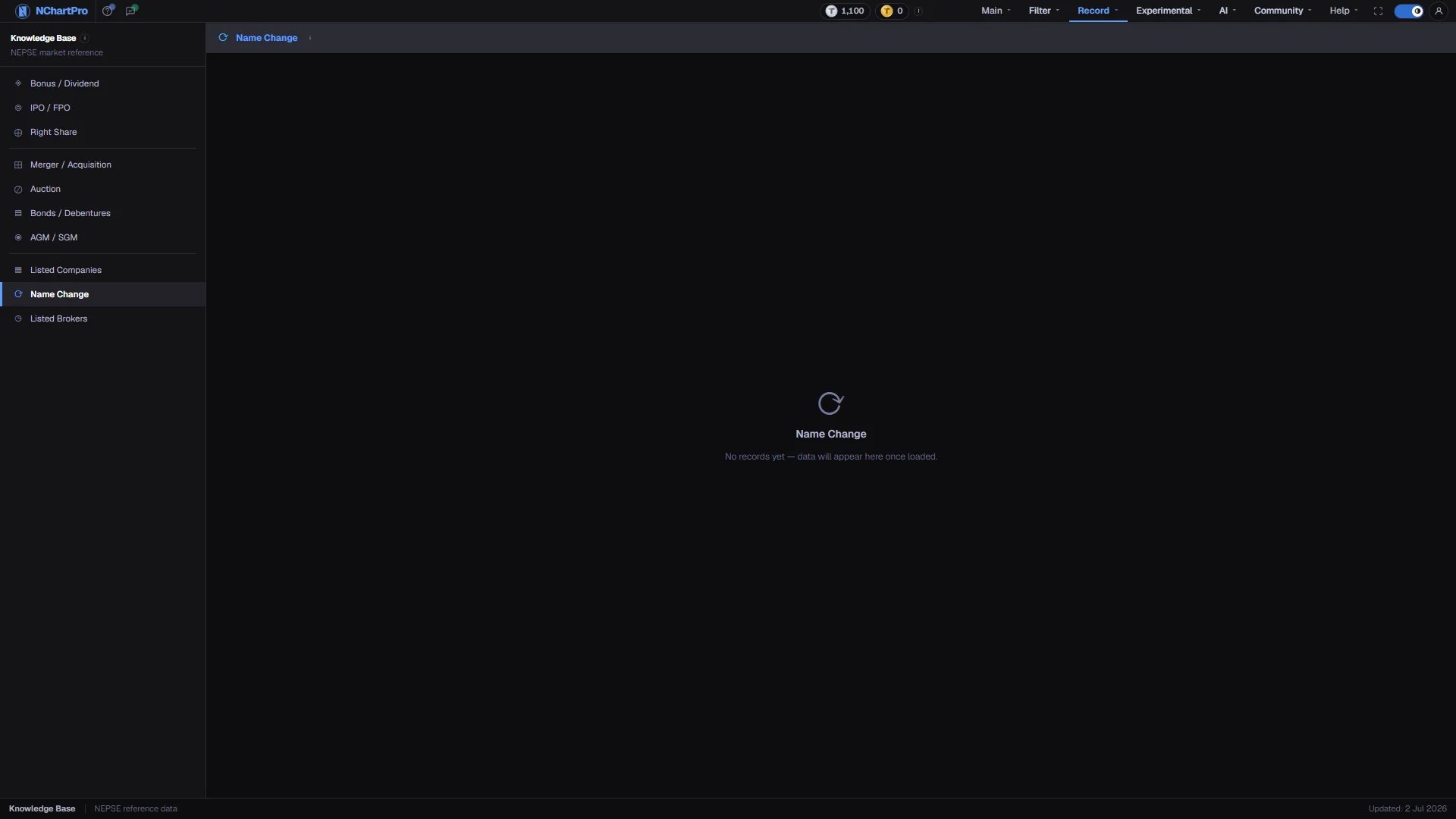
What this page is
One row per change: the old symbol and the new one, the old registered name and the new one, the sector, the date it took effect, why it happened, and whether it is already effective. The new symbol is highlighted, because that is the one that trades now.
A name change does not affect what you own. The same holding simply appears under the new symbol in your Demat account.
Why it helps you
- This is a lookup you need when your own records break. Price history before the effective date sits under the old symbol, so a chart search that far back has to use the retired code.
- A floor-sheet entry or a screener result from an earlier year can carry a symbol that no longer exists. This is where you resolve it.
- A licence upgrade — a development bank becoming a commercial bank, for instance — changes the symbol without any merger, and it usually means the company now operates under stricter capital rules.
- A purple row is worth following into Merger / Acquisition, where the swap ratio for that deal is recorded and the change actually altered your share count.
When to use it, and where to find it
- When a symbol in an old note, chart or export no longer resolves.
- After a merger completes, to find which code replaced the one you held.
Try it — a short walkthrough
- 1Read the two symbol columns as a pairOld Symbol on the left, New Symbol highlighted beside it. The two name columns tell the same story in full company names.See this part in detail →
- 2Check the reason chipMerger or acquisition shows purple, a rebranding shows blue, and a licence conversion or upgrade shows green.See this part in detail →
- 3Confirm it is effectiveGreen means the change is already in force and NEPSE is quoting the new symbol. Amber means it is still waiting on approval.See this part in detail →
Every part of the page
In the order you meet them on screen, each with a close-up of the real thing. The numbers match the dots on the figure above.
The Knowledge Base menu
The permanent left menu of this section. Name Change sits in the last group with Listed Companies and Listed Brokers — the three directories.
How — Click any item to switch category without leaving the section.
The title bar
The page title with an information icon explaining what a name change means for a shareholder, and — once records exist — how many are stored.
How — Hover the icon for the same explanation in a shorter form.
What this page lists
One row per change: the old symbol and the new one, the old registered name and the new one, the sector, the date it took effect, why it happened, and whether it is already effective.
How — Nothing is loaded yet, so the page reads "No records yet — data will appear here once loaded". What the tour describes next is what will fill in.
- No sample name changes were invented to fill the page, so an empty state here is the honest state.
The columns
SN, Old Symbol, New Symbol, Old Name, New Name, Sector, Effective Date, Reason and Status. The new symbol is highlighted, because that is the one that trades now.
How — Read Old Symbol → New Symbol as a pair; the two name columns tell you the same story in full company names.
- Price history before the Effective Date sits under the OLD symbol, so search charts with that when you go far enough back.
Why the name changed
Reason is a coloured chip. Merger or acquisition shows purple, a rebranding shows blue, and a licence conversion or upgrade shows green.
How — A purple row is worth following up in Knowledge Base → Merger / Acquisition, where the swap ratio for that deal is recorded.
- A licence upgrade — for example a development bank becoming a commercial bank — changes the symbol without any merger.
Effective or still pending
Status is a second chip: green when the change is already effective or complete, amber when it is still waiting on approval.
How — Only an effective row means NEPSE is already quoting the new symbol; Effective Date is the day that started.
The status bar
The bottom strip of every Knowledge Base page, with an "Updated" date on the right.
- That date is fixed text in the section layout, not the date this table was last refreshed.
Reading the numbers
- Effective Date is the day the new symbol started being quoted. Price history before it sits under the old symbol.
What it does not do
- This page is an empty scaffold. The kb_name_change table has no rows loaded, so the page reads "No records yet — data will appear here once loaded".
- No sample name changes were invented to fill the page.
- The column header row only exists once rows are loaded, so the tour skips that step while the table is empty.