

Auction
Shares nobody claimed have to end up somewhere. An auction is how a company finds an owner for them, and you get there by bidding rather than buying.
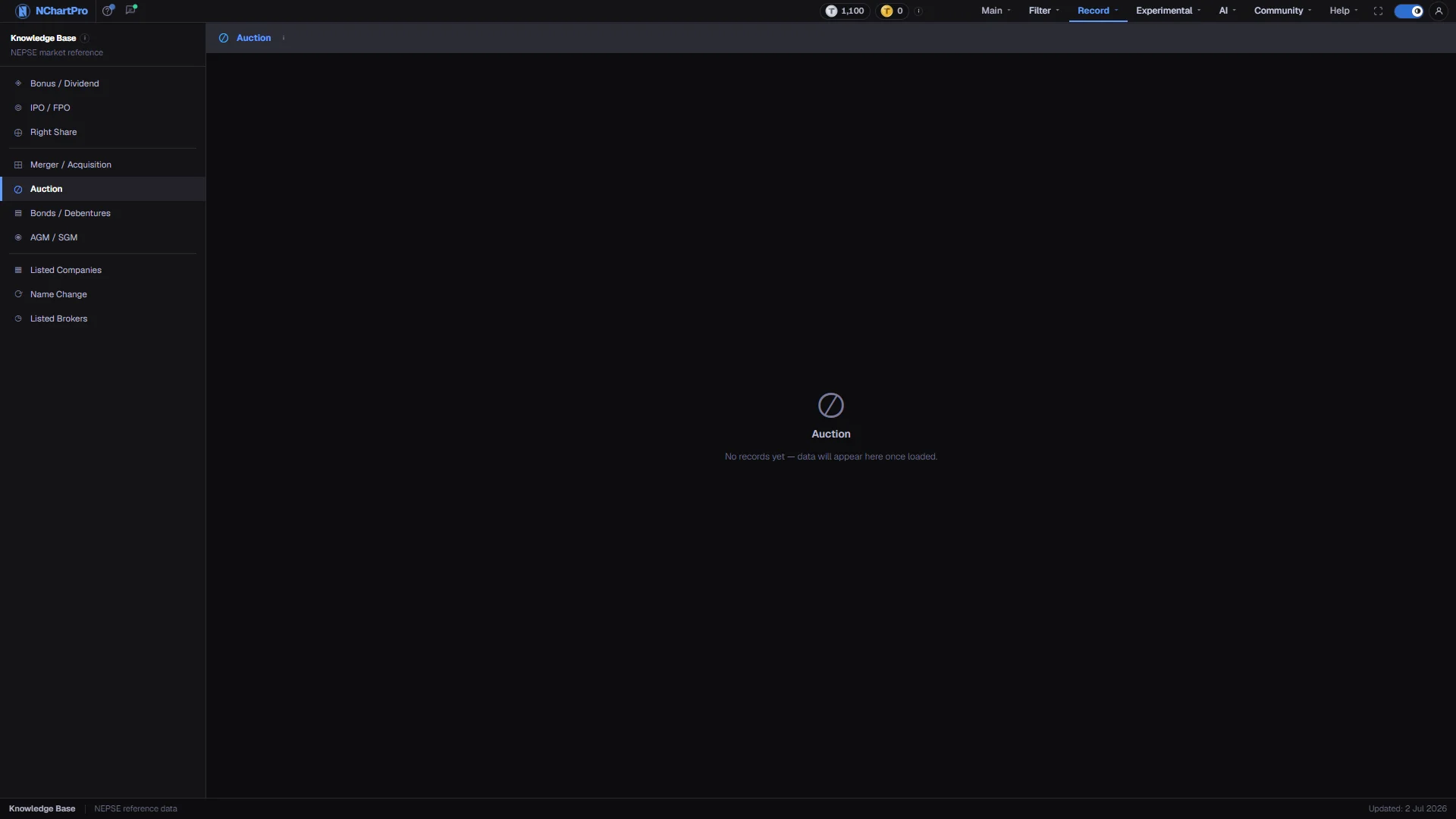
What this page is
When shareholders do not take up their right shares or collect their bonus shares, or when a promoter wants to sell a block, the company puts that block up for auction through NEPSE. You bid a price through your broker during the open-to-close window, not from the normal buy and sell screen.
Bids are ranked highest first and filled until the units run out. A bid only just above the floor price often loses, and a bid below it is rejected outright.
Why it helps you
- Compare Min Price with Last Price. The gap between the floor and the recent market price is the whole opportunity, and it is visible before you commit anything.
- A large block hitting the market at once can weigh on the ordinary line for days afterwards. Units tells you how big it is.
- An unclaimed-rights auction is a chance to add to a holding you already want, usually below the market price. The size is fixed and the timing is known in advance.
- Ordinary-share auctions are open to any investor with a Demat account. Promoter-share auctions are normally limited to buyers eligible to hold promoter shares, so check Auction Type before planning around one.
When to use it, and where to find it
- While a row shows Open and its Close Date is still ahead — that is the only state you can act on.
- Shortly after a rights issue you followed, since unclaimed rights are what most auctions are made of.
Try it — a short walkthrough
- 1Look for green Open rowsStatus is a coloured chip: Upcoming in amber, Open in green, Closed in blue. Only green rows with a Close Date ahead can be bid on.See this part in detail →
- 2Read Auction Type and UnitsType tells you what is on offer — unclaimed rights, unclaimed bonus, or promoter shares. Units is how many kitta are in the block.See this part in detail →
- 3Set your price from Last PriceThe floor is where bidding starts, not where it ends. Decide what the share is worth to you against the recent market price.See this part in detail →
Every part of the page
In the order you meet them on screen, each with a close-up of the real thing. The numbers match the dots on the figure above.
The Knowledge Base menu
The permanent left menu of this section. Auction sits in the middle group with Merger / Acquisition, Bonds / Debentures and AGM / SGM.
How — Click any item to switch category without leaving the section.
The title bar
The page title with an information icon explaining how a NEPSE auction works, and — once records exist — how many there are.
How — Hover the icon whenever you are not sure who is allowed to bid on a given block.
What this page lists
One row per auction: which company, what kind of shares are on offer, how many units, the floor price, the share's recent market price, and the bidding window.
How — Nothing is loaded yet, so the page reads "No records yet — data will appear here once loaded". What the tour describes next is what will fill in.
- Invented auction records were deliberately kept out of this app, so an empty page is the honest state rather than a failure.
The columns
SN, Symbol, Company, Sector, Auction Type, Units Offered, Units Allotted, Min Price, Cut-off, Last Price, Bid Opening, Open Date, Close Date and Status.
How — Compare Min Price with Last Price: the floor price against what the share recently traded at on the open market.
- Auction Type tells you what is on offer — unclaimed right shares, unclaimed bonus shares, or promoter shares.
- Units is how many shares (kitta) are in the block.
How the bidding is decided
Bids are ranked highest first and filled until all the units are gone, so a bid only just above the floor price often loses.
How — Decide your price from Last Price, not from Min Price — the floor is where bidding starts, not where it ends.
- Ordinary-share auctions are open to any investor with a Demat account. Promoter-share auctions are normally limited to buyers eligible to hold promoter shares.
The status chip
Status is a coloured chip: Upcoming in amber, Open in green (you can bid now), Closed in blue.
How — Green Open rows with a Close Date still ahead are the only ones you can act on.
- Open Date and Close Date are the whole bidding window — miss the close and the block is gone.
The status bar
The bottom strip of every Knowledge Base page, with an "Updated" date on the right.
- That date is fixed text in the section layout, not the date this table was last refreshed.
Reading the numbers
- Min Price is the floor; a bid below it is rejected. Cut-off is the price the bidding actually cleared at, which is what tells you whether the floor was realistic. Last Price is what the share recently traded at on the open market.
- Units Offered is how many kitta were put up; Units Allotted is how many found a bidder. An auction that clears in full is the exception, so the two usually differ.
- Bid Opening is the day the sealed bids are opened and ranked.
- Open Date and Close Date are the whole bidding window. Miss the close and the block is gone.
What it does not do
- This page is an empty scaffold. The kb_auction table has no rows loaded, so the page reads "No records yet — data will appear here once loaded".
- Invented auction records were deliberately kept out of the app, so an empty page is the honest state rather than a failure.
- The column header row only exists once rows are loaded, so the tour skips that step while the table is empty.