

AGM / SGM
A dividend is a proposal until shareholders vote on it. This page is the calendar of those votes, and of the cut-off date that decides who is allowed to cast one.
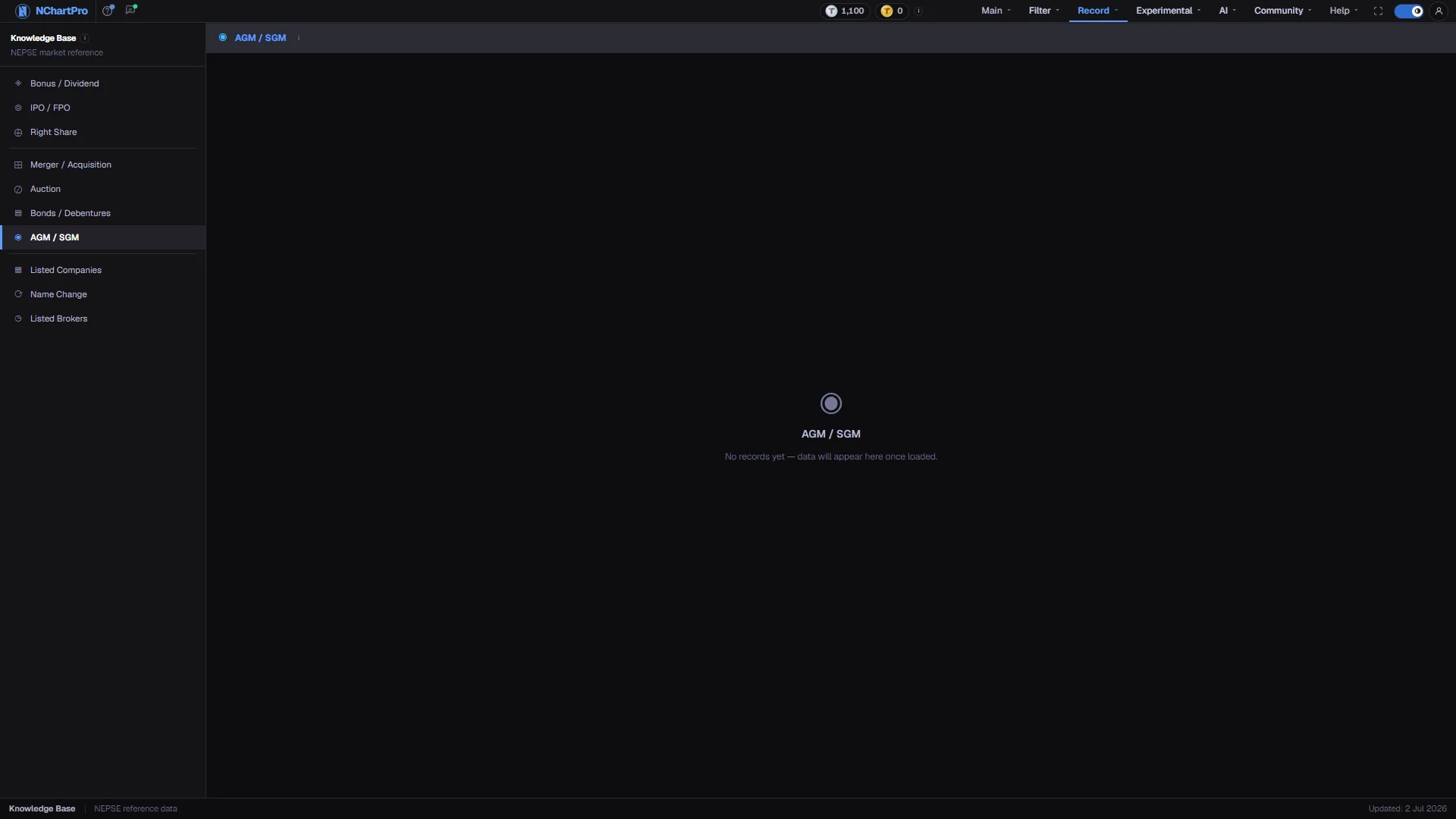
What this page is
An AGM is the once-a-year meeting where shareholders approve the accounts and vote on the dividend the board proposed. An SGM is called at any other time for a single large decision — a capital increase, a merger, a change of directors.
Each row records which company is meeting, which fiscal year it is approving, the date, time and venue, and its book-closure date. Book Close is the field that matters most: it decides who counts as a shareholder for that meeting.
Why it helps you
- An SGM announcement is usually the first public sign of a large decision — a merger, a capital plan — well before the deal itself appears anywhere else.
- The stretch between announcement and book closure is where positioning happens. After book closure the buyer no longer gets the payout, and the price reflects that.
- This is the stronger angle. Only people already holding on the book-closure day may attend, vote, and receive the dividend approved at the meeting.
- Work backwards from Book Close, not from the meeting date. Buying after book closure gives you none of that year's approved payout even if you hold on the day of the meeting.
When to use it, and where to find it
- A few months after a fiscal year closes, when companies call their annual meetings.
- When a company you hold announces an SGM, since something unusual is being decided.
Try it — a short walkthrough
- 1Scan for amber Upcoming rowsStatus is a chip: Upcoming in amber, Held in green, Postponed in red. Amber rows are the ones whose book-closure dates are still ahead of you.See this part in detail →
- 2Read Fiscal Year with Meeting DateA meeting is always held after the year it is approving has closed. Nepali fiscal years run mid-July to mid-July, so FY 2081/82 is not a calendar year.See this part in detail →
- 3Plan around Book CloseIt is the cut-off for attending, voting and receiving whatever the meeting approves.See this part in detail →
Every part of the page
In the order you meet them on screen, each with a close-up of the real thing. The numbers match the dots on the figure above.
The Knowledge Base menu
The permanent left menu of this section. AGM / SGM sits in the middle group with Merger / Acquisition, Auction and Bonds / Debentures.
How — Click any item to switch category without leaving the section.
The title bar
The page title with an information icon that explains AGMs and SGMs, and — once records exist — a count of them on the right.
How — Hover the icon for the same explanation in a shorter form.
- The record count only appears when there is at least one row, so an empty title bar right side means nothing is loaded.
What this page lists
One row per meeting: which company, whether it is an AGM or an SGM, which fiscal year's accounts it covers, the date, time and venue, its book-closure date, and its stage.
How — Nothing is loaded yet, so the page reads "No records yet — data will appear here once loaded". Everything the tour describes next is what will fill in.
- Invented meeting records were deliberately kept out of this app, so an empty page is the honest state rather than a failure.
The columns
SN, Symbol, Company, Sector, Type, Fiscal Year, Meeting Date, Time, Venue, Agenda, Book Close and Status.
How — Read Fiscal Year with Meeting Date — the meeting is always held after the year it is approving has closed.
- Fiscal Year is the Nepali FY (e.g. 2081/82), which runs mid-July to mid-July.
Book Close is the date that matters
Book Close decides who counts as a shareholder for that meeting. Only people already holding the share on that day may attend, vote, and receive the dividend approved at the meeting.
How — If a payout matters to you, work backwards from Book Close, not from the meeting date.
- Buy after book closure and you get none of that year's approved payout, even if you hold the share on the meeting day.
The two badges
Type is a coloured chip — AGM in blue, SGM in purple. Status is a second chip: Upcoming in amber, Held in green, Postponed in red.
How — Scan for amber Upcoming rows to find the meetings whose book-closure dates are still ahead of you.
- Meeting Date, Time and Venue tell you where it is held; many Nepali companies also allow virtual attendance.
The status bar
The bottom strip of every Knowledge Base page, with an "Updated" date on the right.
- That date is fixed text in the section layout, not the date this table was last refreshed.
Reading the numbers
- Type is a chip too: AGM in blue, SGM in purple.
- Meeting Date, Time and Venue say where it is held. Many Nepali companies also allow virtual attendance.
- Agenda is what the meeting will actually decide — the dividend proposal, a capital increase, board or auditor appointments. It is clipped to one line; hover the cell to read the whole thing.
- The record count only appears in the title bar once there is at least one row.
What it does not do
- This page is an empty scaffold. The kb_agm_sgm table has no rows loaded, so the page reads "No records yet — data will appear here once loaded".
- Invented meeting records were deliberately kept out of the app rather than shown against real company names.
- The column header row only exists once rows are loaded, so the tour skips that step while the table is empty.